Macbook Pro (Clone in Webflow), webflow.com/made-in-webflow/backbook-pro..., https://webflow.com/made-in-webflow/website/apple-macbook-pro-landing-quo-agency/
Mac Pro (Clone in Webflow), webflow.com/made-in-webflow/mac-pro..., https://webflow.com/made-in-webflow/website/apple-mac-pro-landing-page-quo-agency
Pro Display XDR(Clone in Webflow), webflow.com/made-in-webflow/pro-xdr..., https://webflow.com/made-in-webflow/website/apple-xdr-display-landing-quo-agency
Mac Mini (Clone in Webflow), webflow.com/made-in-webflow/mac-mini..., https://webflow.com/made-in-webflow/website/mac-mini-landing-page-by-quo-agency/
iMac (Clone in Webflow), webflow.com/made-in-webflow/imac..., https://webflow.com/made-in-webflow/website/apple-imac-landing-page-by-quo-agency
Macbook Air (Clone in Webflow), webflow.com/made-in-webflow/air..., http://webflow.com/made-in-webflow/website/macbook-air-landing-page-by-quo-agency


.gif)
.gif)
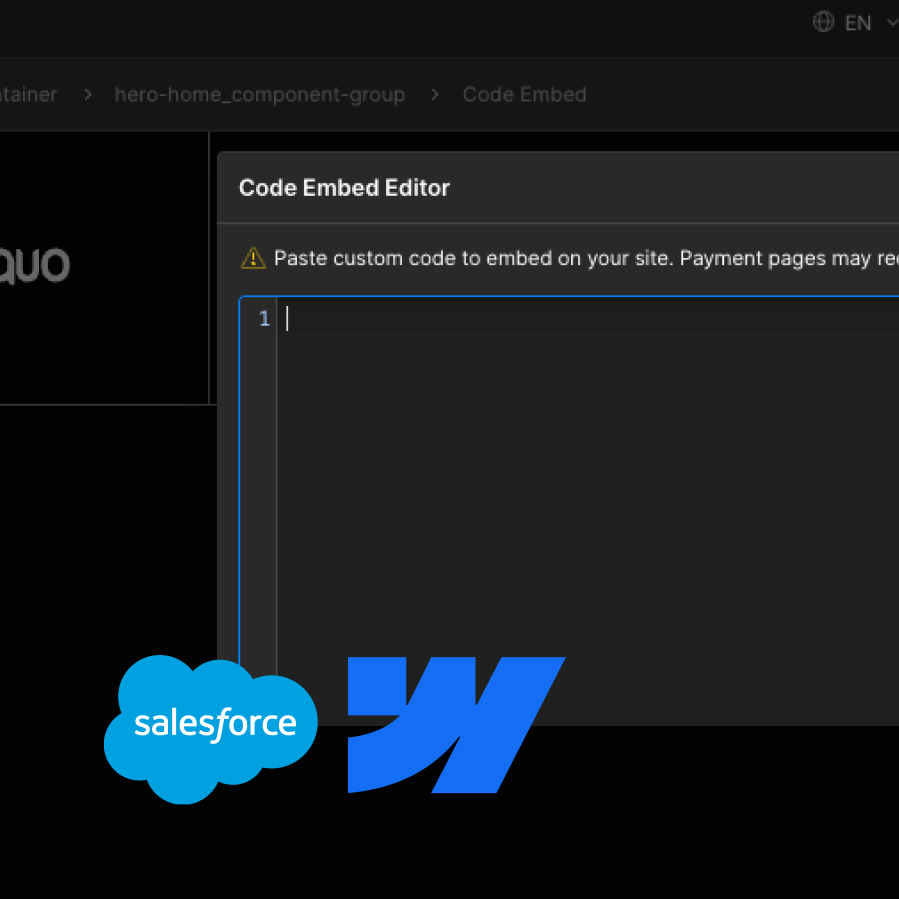
No client hired us to do this. atQuo set its own brief: take Apple's product pages — some of the most technically precise UIs in consumer web — and rebuild them in Webflow from scratch. The constraint was deliberate: no custom code for animations, only Webflow's native interaction system. If the platform couldn't do it, we had to figure out how to get there anyway.
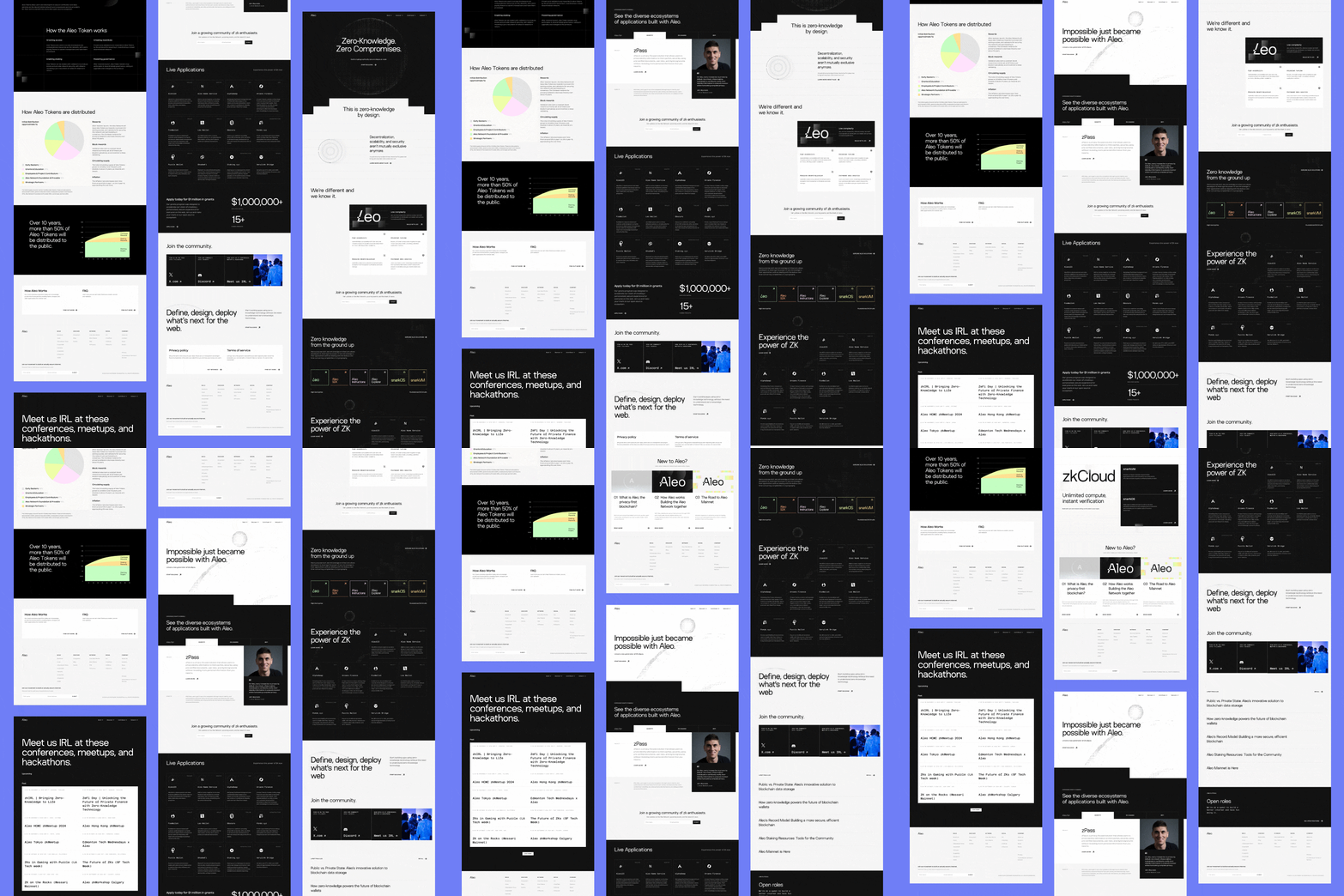
The pages chosen were the MacBook Pro, MacBook Air, Mac Pro, iMac, Mac Mini, and Pro Display XDR. Each one is a different set of interaction problems. Each one finished and published as a cloneable on Webflow's Made in Webflow showcase.
Apple's product pages work because every section has an opinion about motion. Nothing is decorative — the scroll-triggered animation is the product demo. The MacBook Pro page rotates the device as you scroll. The video doesn't autoplay and disappear; it opens fullscreen and shrinks gracefully into a framed module as you move down the page. Text layers stay fixed while product imagery moves behind them. These aren't effects you add at the end. They're the architecture.
Rebuilding that in Webflow meant understanding the interaction engine well enough to compose complex sequences from native tools — scroll triggers, transform sequences, easing curves, sticky position logic — without falling back to custom JavaScript to fill the gaps.
The core techniques developed across the six pages: scroll-triggered layered reveals where header text holds position while product imagery moves underneath; peel-away animations that expose internal components as the user scrolls; living images — short looping video clips embedded in otherwise static sections to add ambient motion; the sticky zoom-out sequence, where a full-bleed video shrinks into a contained module as the user progresses down the page; and adaptive mobile navigation that reorders content hierarchy for smaller screens without degrading the interaction model.
Each page was built to match the original at a level where the differences aren't visible in normal use. All six are publicly available as cloneables on Webflow's Made in Webflow showcase.
A direct transfer of interaction knowledge into atQuo's production capabilities. The scroll-driven sequencing, the sticky video logic, the layered reveal system — these are now standard tools. The Apple pages are the proof of concept. Client work is where they get applied.




.png)
.svg)

.svg)


.svg)
.svg)
.svg)












.png)


.png)